

Creating art is a deeply personal and expressive process, but translating your work into high-quality printed formats requires technical precision and thoughtful preparation. Whether you’re printing for sale, exhibition, or archival purposes, how you prepare your digital images can significantly impact the final result. Below are key considerations to ensure your artwork looks its best in print
Capture High-Resolution Images
Use a high-quality scanner or camera to capture your artwork. Aim for a minimum resolution of 300 DPI (dots per inch) at the intended print size to ensure clarity and detail.
Color Accuracy Matters
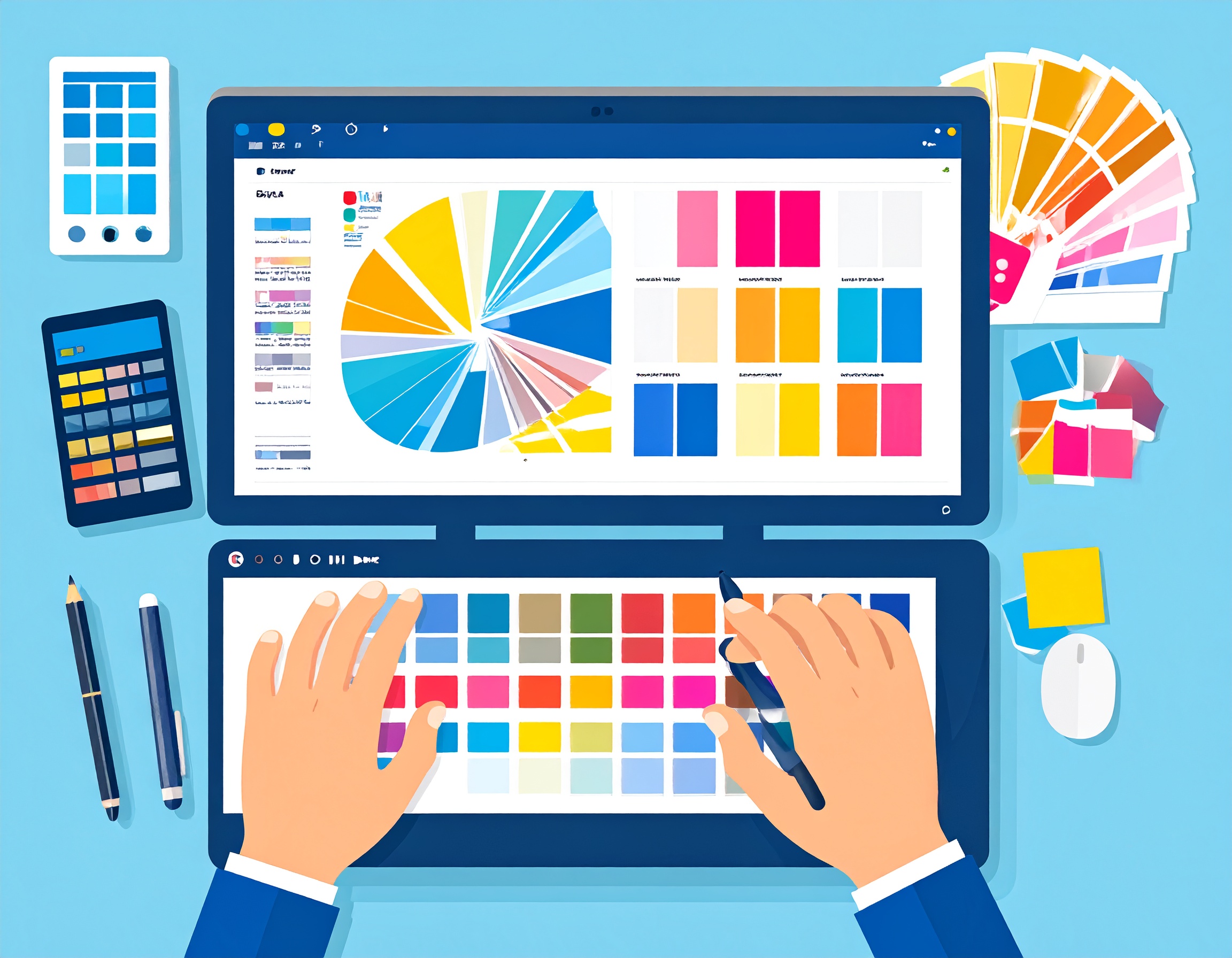
Calibrate your monitor regularly and work in a color-managed environment. Use a color checker or gray card when photographing your work to maintain true-to-life hues.
Choose the Right File Format
Save your final image as a TIFF or high-quality JPEG. TIFF files are preferred for professional printing due to their lossless quality, while JPEGs can be suitable for online print platforms with file size limitations.
Adjust for Print Dimensions
Make sure the image dimensions match the desired print size. Avoid stretching or scaling up images, which can cause pixelation and degrade quality.
Work in the Correct Color Profile
Use Adobe RGB or sRGB profiles depending on your printer or service provider’s specifications. For most fine art printing, Adobe RGB provides a wider color gamut.
Clean Up Imperfections
Before sending your file to print, zoom in and retouch any dust spots, glare, or lighting inconsistencies that could distract from the finished piece.
Check Your Margins and Bleeds
Leave sufficient margins around your image or set up bleed areas if your design extends to the edge. This prevents important details from being cropped during trimming.
Proof Before You Print Large Runs
Always order a proof print first. This allows you to assess color fidelity, contrast, and sharpness—and make adjustments before committing to a full edition.
Understand Your Print Medium
Different papers, canvas types, and finishes can affect the appearance of your work. Speak with your print provider about options and request samples if possible.
Back Up Your Files
Save your print-ready files with descriptive names and back them up in multiple locations to prevent loss or version confusion.